Nurelio Pet
Your pets, well cared for.
Who fed the dog? Did the cat get her pill today? Nurelio Pet reminds you of vet appointments and medications – and the whole family sees what's already done.
Your pets, well cared for.
Who fed the dog? Did the cat get her pill today? Nurelio Pet reminds you of vet appointments and medications – and the whole family sees what's already done.
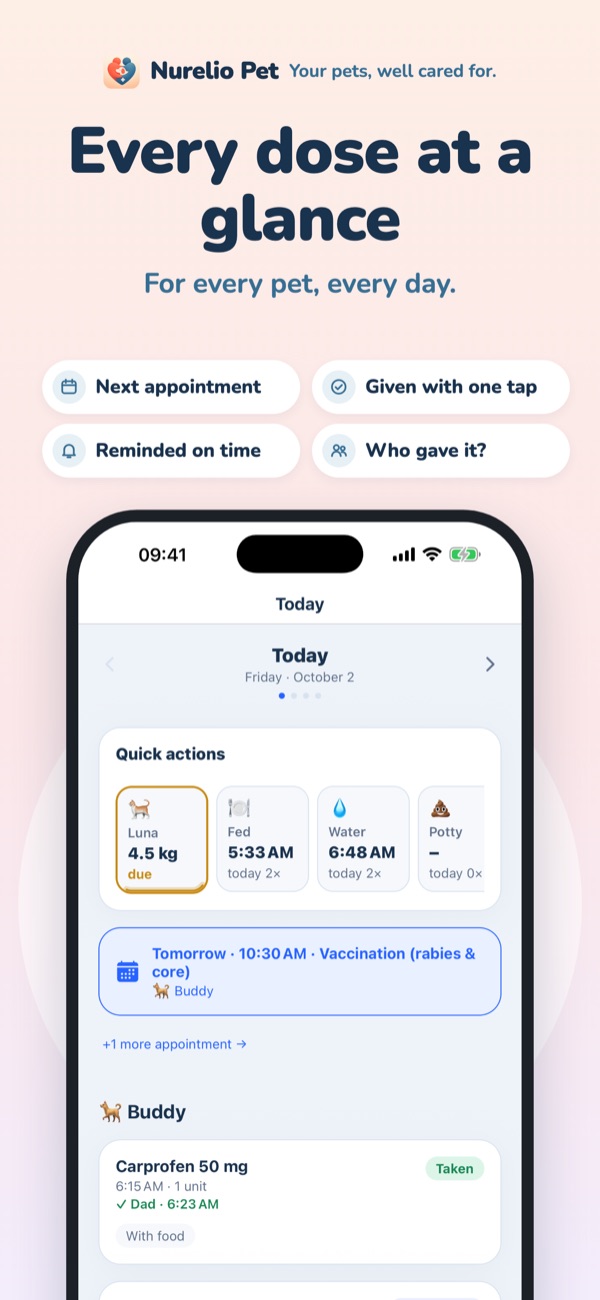
Tablets, drops, spot-ons and more – with reminders, follow-ups and supply at a glance.
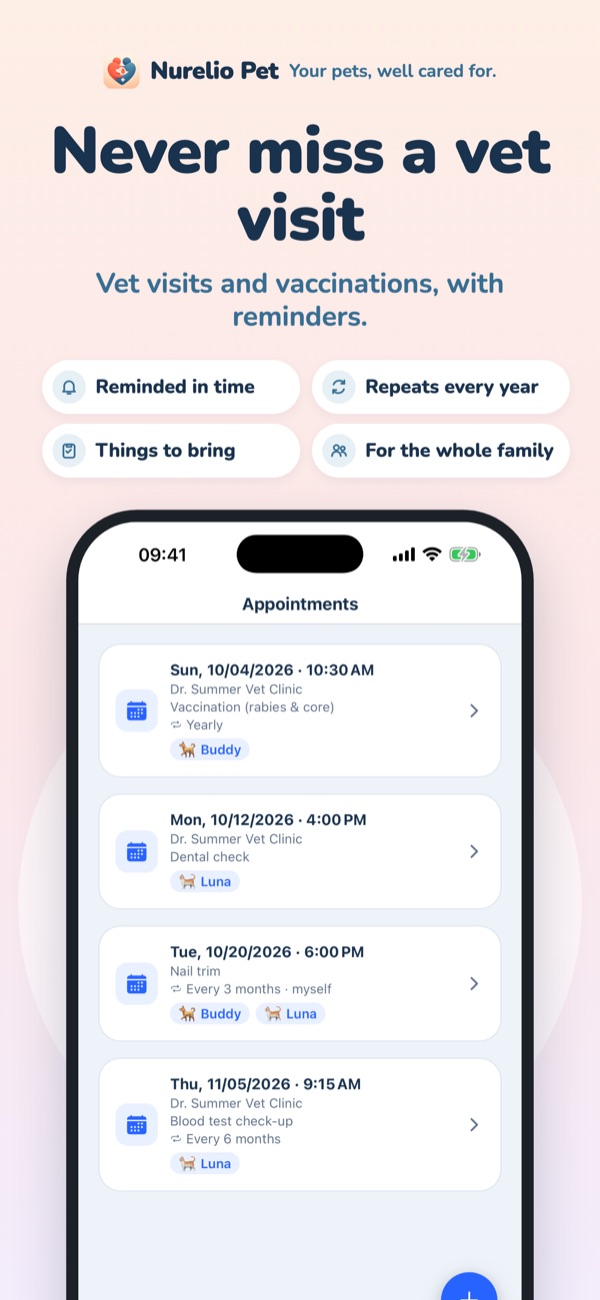
Reminders when you want them, recurring vaccinations and a list of things to bring.
Log feeding, water, potty, play and notes with one tap – in a shared journal.
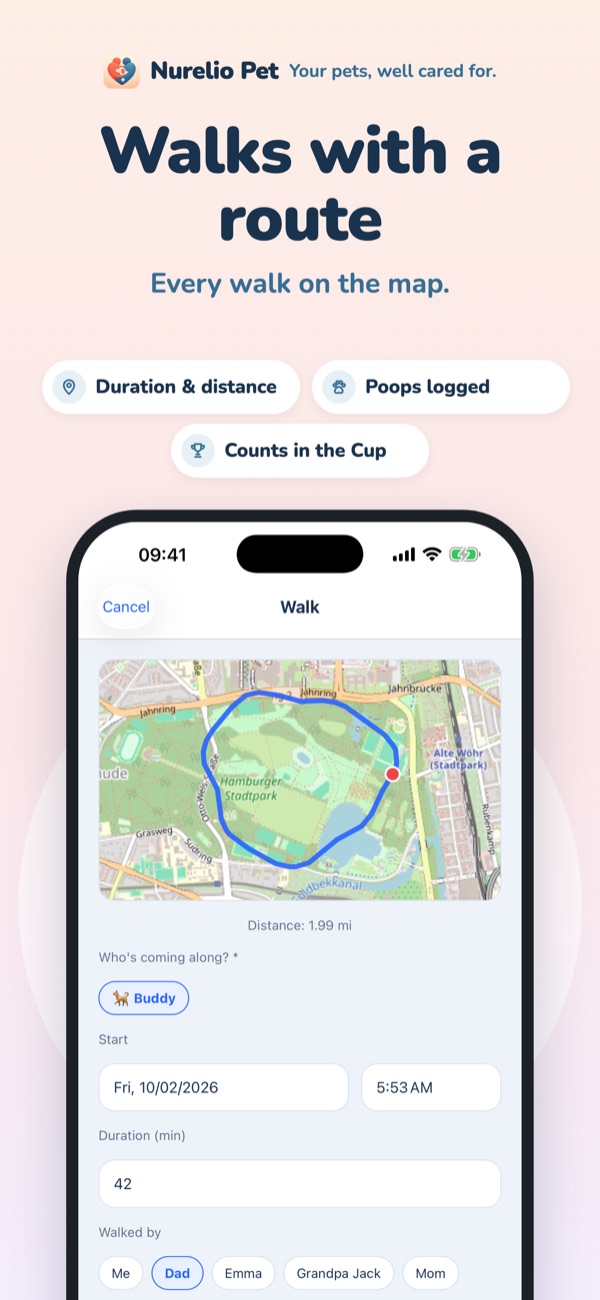
Duration, route and poops – recorded even while your phone is locked.
Weight history for each pet with weigh-in reminders, food with a photo of the package.
Everything on every family member's phone, protection against double doses and the Family Cup with a monthly prize.
Nurelio Pet works without an account; you only need one for the family (Premium). Nurelio Pet does not replace veterinary advice.
Questions, problems or ideas? Write to us at PrettyLightsSoftware@gmail.com – or right in the app under More → About Nurelio Pet → Rate & feedback.
No. Everything you use on your own works without an account; your data stays on your device and can be backed up to iCloud (iPhone) or Google Drive (Android). You only need an account to share your pets with your family.
With Premium, create an invite code under More → Family. The others join with a free account; you approve them and choose who sees which pet.
Subscriptions run through the App Store or Google Play and can be cancelled there at any time in your account's subscription settings. Deleting the app does not end a subscription.
In the app under More → Premium → Delete account – instructions and how to do it without the app: Delete your account.