Feedback on videos
After a video, give a thumbs up or down and send us a comment. If you like, videos open in the YouTube app.
New in Nurelio
Since version 1.0 in July, versions 1.1 and 1.2 have followed, with around 40 small updates delivered directly in the app in between.
Last updated:
After a video, give a thumbs up or down and send us a comment. If you like, videos open in the YouTube app.
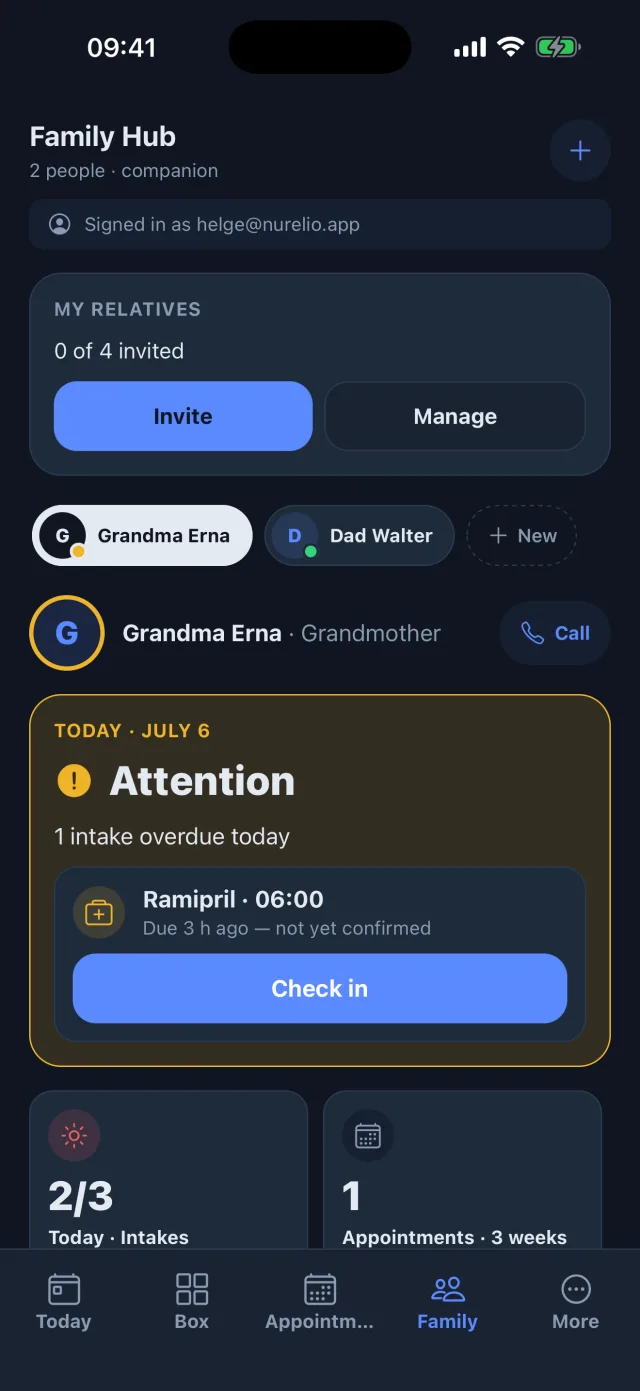
Your own trackers, such as water or mood, appear for companions as a tile, view only. Anything you don’t share stays private, including your pain diary.
If you like, the reminder on the day rings as a full-screen alarm, with “Remind me in 10 minutes”.
New doctor’s appointments remind you one day and two hours before.
When scanning an appointment card, you choose: take a photo or pick an image from your gallery.
With subtitles in your language. YouTube only loads when you press play, and the app tells you once about new videos.
The button tilts slightly under your finger and a bright wave runs across it.
Tap a field near the bottom of a form and it moves above the keyboard, on iPhone and Android.
Nurelio also checks for updates when you return to the app. Tap the notice to start the update.
When your blood glucose or weight comes from a device (Apple Health, Health Connect), the “measure” reminder clears itself.
With VoiceOver or TalkBack, icon buttons are read out in your app language.
Under “About Nurelio”, rate individual areas of the app with stars. Our reply appears right there.
Before the first AI feature runs, Nurelio asks for your consent and tells you what goes where. You can withdraw it any time in the settings.
With the “Edit” permission for supply, companions can add medications and top up supply. They can’t change or delete anything.
The travel time saved for a doctor appears when you create an appointment and in the reminder shortly before.
You can add a medication without an intake time, for example as a supply for later. It only reminds you once you add a time.
When adding an appointment, companions can also create a new doctor for the person they accompany.
If the intro on first launch is interrupted, it continues exactly there instead of starting over.
Search for a specialty, choose from 22 new ones, or create your own right from the search field.
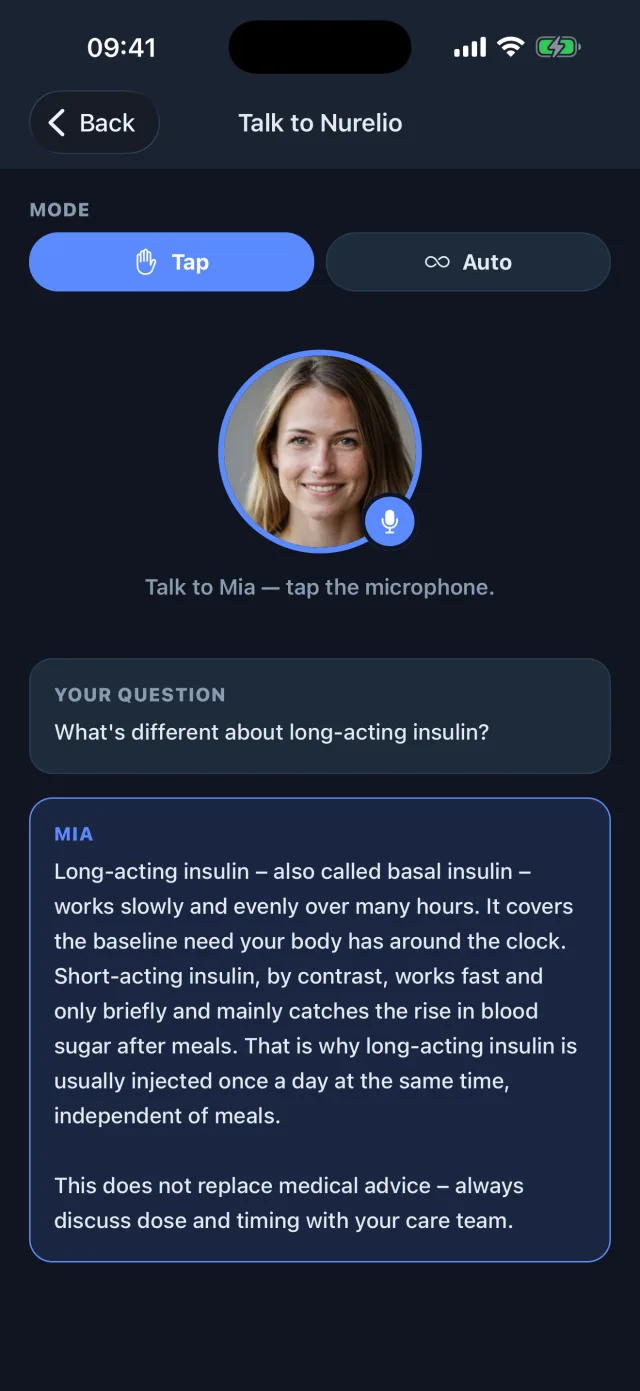
The AI companion’s history and remembered notes are now kept only on your device and in your encrypted backup, no longer on our server.
Your conversation with the AI companion stays on screen, so you can read back earlier questions and answers.
The icon pulses once, the name fades in, and the app is ready. Without animation if “Reduce motion” is on.
The whole report in German, English, Spanish or Portuguese, as a PDF and in the doctor portal. Instead of the German PZN it shows your country’s drug number, such as CN or NDC.
The connected practice now sits with the doctor under “Portal connection”. Replies from the practice to your questions arrive reliably.
US medication packs are recognised when scanned, the NDC can be typed in, and the emergency number is 911.
Say “I need to add a new doctor” and the form opens. It doesn’t fill anything in itself.
Notifications to companions arrive in the language of their app. If you catch up on a dose, the alert on their phone disappears by itself.
On iPhone, just talk over it and it stops right away. It speaks your app language and reads lab values out correctly.
When adding a doctor, name, phone, email and address come from your contacts in one go.
After an update, the app shows once what has changed. Everything else is under “About Nurelio” → “What’s new”.
Delegate going along to appointments and filling the weekly pill box to relatives, with declining and “I’ll take over”.
Since July for iPhone and Android, on the App Store and Google Play.
After every update, Nurelio shows what changed under “What’s new?”. For iPhone and Android, everything personal is free.